


A security awareness manager can schedule the best course in the catalog and still watch it sit unopened, because it lives in a learning portal nobody visits between deadlines. The messages employees do read all day are in Microsoft Teams. This post is for security awareness managers deciding whether Microsoft Teams security awareness training can carry the program: what belongs there, what does not, and how to measure it.
In short: Run the moments that need speed inside Teams: reporting a suspicious message, a two-minute lesson after risky behavior, and policy acknowledgement. Keep long courses in the learning platform, and measure reporting rate, time to report and repeat behavior.
Why Security Awareness in Teams Works
Most programs ask people to stop work, open a separate portal and sit through a module. That is fine for annual compliance content. It is a poor fit for the moments when a decision is being made, such as a stranger asking for a password reset in a chat, or an invoice link arriving in a channel at the end of the day.
Speed is what makes those moments matter. In the 2024 Verizon Data Breach Investigations Report, the median time to click a malicious link after opening the email was 21 seconds, followed by only another 28 seconds before the victim entered data into the attacker's form. Training that arrives days later reaches a person after the decision is gone.
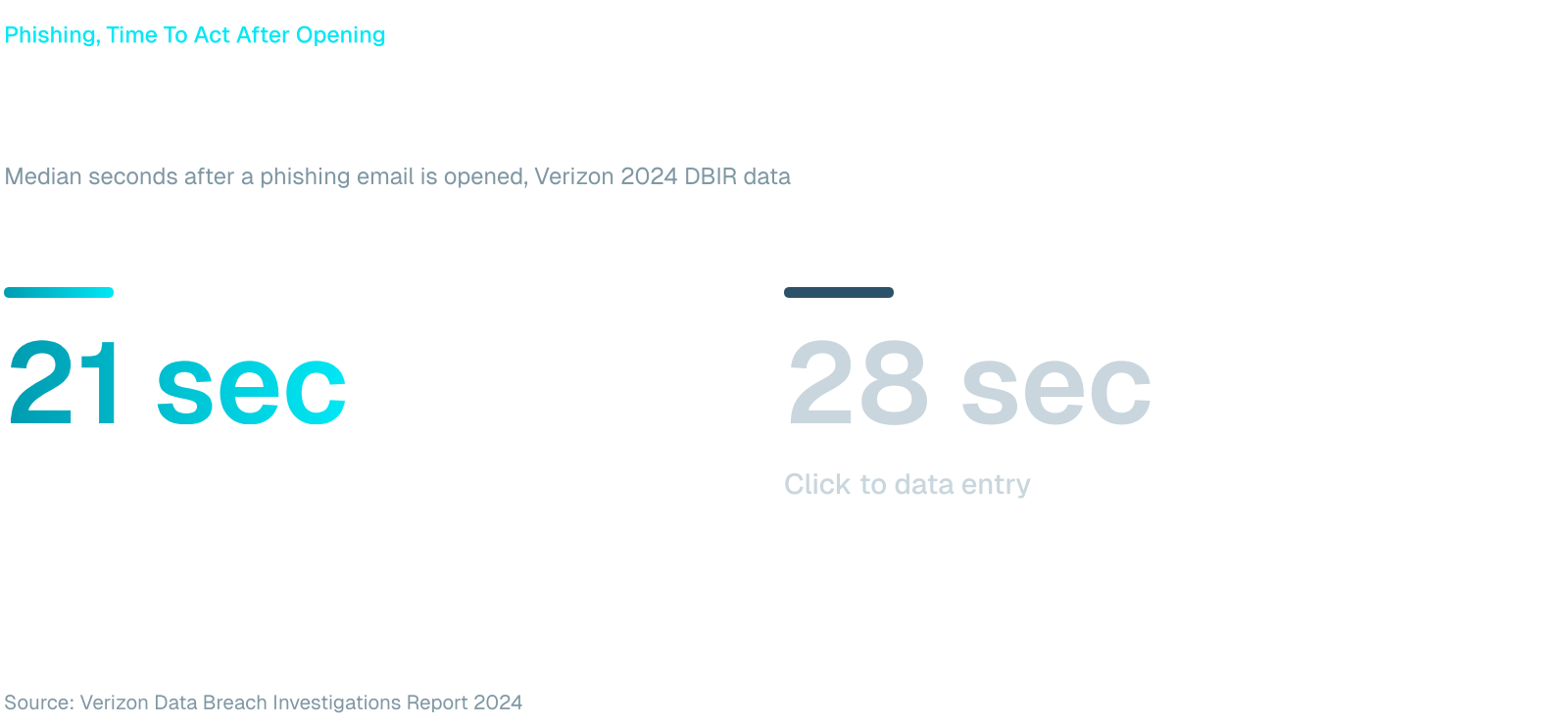
That gap is the case for security awareness in Teams. If the lesson, the reporting button and the policy reminder sit where the person is already working, the response can happen inside the same minute as the risk. It also gives your team a second channel for staff who skim email, which matters for threats that arrive in chat. For that threat itself, see our post on fake helpdesk chats in Teams.
Phishing Reporting in Microsoft Teams
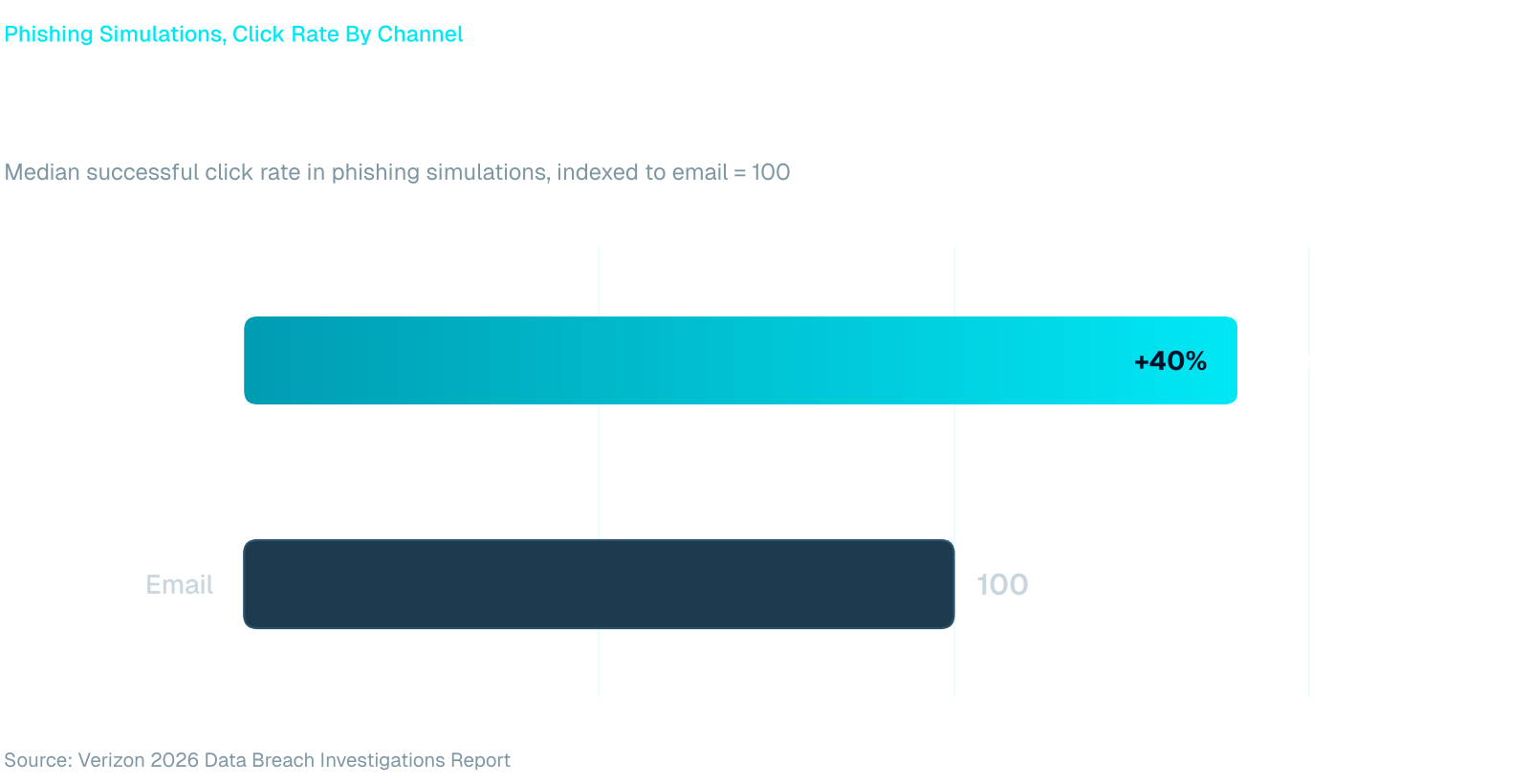
Reporting is where the minute counts most. The same report found that 20% of users identified and reported phishing in simulation engagements, and only 11% of the users who clicked the email went on to report it. A person who clicked and then stays silent leaves your team blind during the window that matters.
The Fraus Teams App gives staff one-tap phish reporting inside Microsoft Teams, so reporting costs a single action instead of a forward, a screenshot and a ticket. The easier the report, the more likely the person who just clicked will make it.
Make reporting safe. Thank people for reports, including reports of harmless messages, and never publish who clicked. If the first thing a reporter receives is a reprimand, the reporting rate drops and stays down.
Teams Microlearning After Risky Behavior
Once a report or a click happens, the follow-up should be short. Teams microlearning works because a two-minute lesson fits between meetings, and it lands while the situation is still fresh. Fraus delivers micro-training inside Teams, and Codex supplies the lessons: bite-sized, built on real-world scenarios and available in Arabic and English.
The trigger matters as much as the lesson. With zero-touch training, a person who shows a risk gets matched training straight away, in Teams, with no manual step from your team. Our posts on just in time coaching and agentic AI microlearning cover how that choice is made for each person.
Policy acknowledgement belongs in the same place. A short prompt in Teams asking an employee to confirm they have read an updated acceptable use policy gets answered more naturally than an email with an attachment, and your team gets a record of who has confirmed.
What to Measure in Teams
Moving delivery into Teams only helps if the numbers show it. Track a small set and review them together, using Odin risk scores to see which roles and departments need attention first. Our guide to security awareness metrics goes deeper on each one.
- Reporting rate: the share of suspicious messages that staff report, tracked next to click rate.
- Time to report: how long passes between a message arriving and the first report.
- Reporting after a click: how many people who clicked a simulation still report it.
- Lesson completion: whether Teams micro-training is opened and finished within a day.
- Policy acknowledgement: how many people confirm within the window you set.
Read them as a set. A falling click rate with a flat reporting rate means people are only ignoring messages, not learning to flag them. Rising reports with a shrinking time to report is the pattern you want.
Microsoft Teams Security Awareness Training in the GCC
Start with one department that lives in Teams, such as finance or the service desk, and keep long courses and certification content in the learning platform. Use Teams for what needs speed: reports, nudges and acknowledgements. Announce the reporting action in the channels people already use, and have leadership use it first so the habit is visible.
Language and hosting shape adoption in this region. Content in both Arabic and English removes a barrier for mixed workforces, and Fraus can be hosted on UAE or GCC servers or deployed fully on-premise for entities with data residency requirements. Settle both questions with your IT team before the pilot, not after.
Next Step for Your Program
Return to the unopened course from the start. Pick one behavior your staff face weekly, such as a suspicious chat or a link in a shared file, and move its report, its two-minute lesson and its acknowledgement into Teams for one department. Compare the reporting rate and time to report after a month. The Fraus Teams App page shows how this works inside Microsoft Teams.
Frequently Asked Questions
Can security awareness training run entirely inside Microsoft Teams?
Short, time-sensitive parts run well there: phish reporting, micro-training and policy acknowledgement. Longer courses and certification content usually stay in the learning platform. Most programs combine both, with Teams carrying the moments that need speed and the platform carrying depth.
What is Teams microlearning?
It is a short lesson delivered inside Teams, usually a couple of minutes long and tied to a recent behavior or a gap in someone's training. Because it appears in the flow of work, staff can finish it between tasks instead of scheduling a session.
How does phishing reporting in Microsoft Teams work with Fraus?
The Fraus Teams App gives staff a one-tap way to report a suspicious message from inside Teams. Reporting rate is then tracked alongside click rate, so your team sees whether people are acting on what they spot, not only whether they avoided clicking.
Does the Teams App replace our phishing simulations?
No. Simulations test how people respond, and the Teams App gives them somewhere to report and learn in the moment. Together they let you measure reporting rate, time to report and repeat behavior across roles, using Odin risk scores to prioritize.