


On November 12, 2026, a Microsoft 365 service disruption left staff waiting on email. By the next day, Microsoft 365 outage phishing emails were arriving that named the real incident and offered to restore the messages it had held. This post is for security awareness and SOC teams who want staff to treat an outage as a reason to slow down, not to click.
In short: Attackers sent fake service health notices that cited the genuine outage and threatened to delete held mail within 24 hours. The event was real; the request was fake. Teach staff to confirm outages officially, report the message and practice on current-event lures.
What the Microsoft 365 Outage Phishing Campaign Sent
The outage itself was not an attack. Reporting on the disruption found no indication that malicious activity caused the failure. The attackers simply waited for it, then wrote to people who had spent a day wondering where their email had gone.
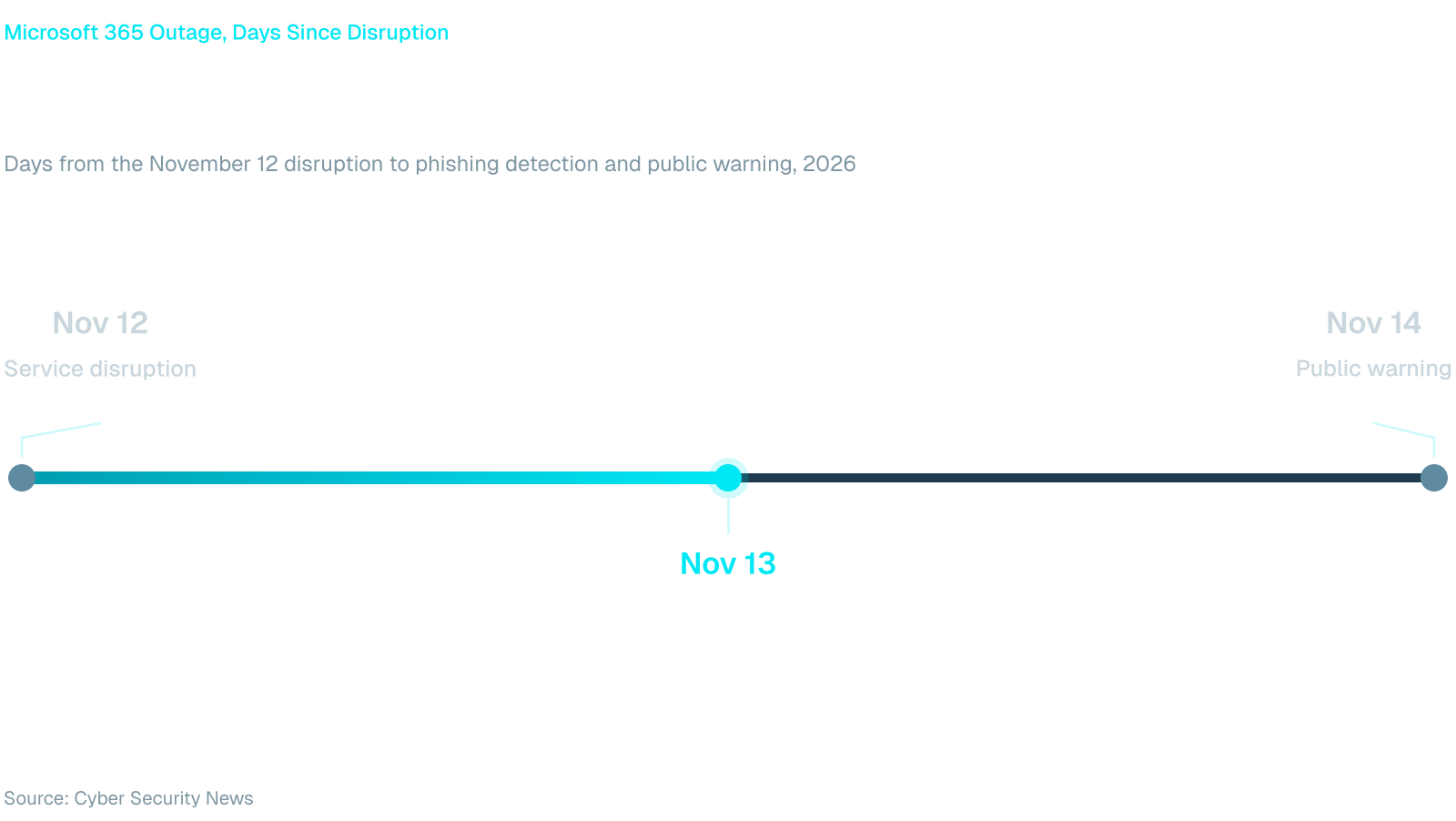
Security researchers detected phishing messages on November 13, and a public warning about the campaign followed on Saturday, November 14. Each message posed as a Microsoft 365 service health notice and referenced the genuine Exchange Online incident, EX1550543. It said mail had been held during the disruption and would be deleted within 24 hours unless the recipient clicked to restore it.
The details were built to pass a quick glance. Subject lines began with "Outage" and a six-character code, and the sender name combined the target organization's own prefix with "Outage Notification" or "Service Health". Links redirected through tracking to a page assessed as consistent with credential phishing, and similar messages reached organizations across several US sectors.
Why a Real Event Feels Believable
That sector-wide reach worked because every recipient already had the context. Staff had seen the outage on the news, felt it in their own inbox, and were half expecting a follow-up from IT. A message about held mail did not look strange. It looked overdue.
Generic awareness training often teaches people to spot the unexpected: a stranger, an odd request, a bad logo. Event-driven phishing turns that habit around. The more accurate the story, the more the request borrows its credibility, and the 24-hour deadline removes the pause in which someone might check.
The pattern repeats. Outages, public holidays, tax deadlines and big announcements all create the same window. For teams in the UAE and wider GCC, that includes moments such as National Day leave, Ramadan schedules and regulator deadlines, each of which gives an attacker a believable reason to write.
Red Flags Staff Can Check in Seconds
If the story is true, staff need checks that do not depend on the story at all. These work on this campaign and on the next one built the same way:
- The deadline. Service providers do not delete held mail because a user failed to click within 24 hours.
- The sender domain. The display name said "Service Health", but the address came from unrelated domains such as moments-notice[.]com and newbooker[.]com.
- The ask. A genuine status notice tells you what happened. It does not ask you to sign in to get your messages back.
- The route. Outage status lives in the Microsoft 365 admin center and with your own IT team, not in a link inside an email.
The last check is the one to drill. A person who knows where real status updates come from has no reason to trust a message that offers one.
What Security Teams Should Do This Week
Checks only help if staff hear about them before the next lure, so the response starts with a message from you.
- Tell staff first. Send a short note naming the outage, the fake "held mail" emails and where real status updates come from.
- Make reporting the easy answer. Remind people how to report a suspicious message in one step, and thank everyone who does.
- Look at clicks, not only delivery. Search mail logs for the subject pattern and sender domains, and follow up with anyone who clicked.
- Run the lure in a simulation. Use a current-event lesson while the outage is still fresh in people's minds.
That fourth step is where many programs lag. A quarterly campaign planned weeks ahead cannot use an event that happened on Thursday, and by the next cycle the moment has passed.
Turn the Next Event Into Practice
Closing that gap means the simulation has to move as fast as the attacker. Dolus AI Studio turns a screenshot of a lure like this one into an editable phishing simulation template, so staff can practice on the version that is circulating now.
For teams that cannot plan campaigns around every event, Graybait runs a campaign-less program through agentic AI. It picks or generates each person's next simulation from their Human Risk Profile, matches the lure to their role and context, and raises difficulty as they keep spotting attacks.
What happens after a click matters as much. The Fraus Teams App gives staff one-tap phish reporting inside Microsoft Teams, and zero-touch training responds with training matched to the behavior the moment someone clicks. For a related chat-based lure, see our post on Microsoft Teams phishing.
Your Next Step
The November 12 disruption will not be the last outage your staff live through. Before the next one, send a two-line note telling people where real status updates come from and how to report a message that offers one. Then put the "held mail" lure into your next simulation while everyone still remembers the day their inbox went quiet.
Frequently Asked Questions
Was the Microsoft 365 outage on November 12 a cyberattack?
No. Reporting on the disruption found no indication that malicious activity caused the failure. The phishing campaign came afterward and used the real incident, including its Exchange Online incident number, to make fake service health notices look genuine to the people who had just lived through it.
How can staff tell a real service health notice from a fake one?
A real notice explains what happened and does not ask the reader to sign in or click to recover messages. Staff should check the sender's actual address, ignore deadlines such as 24-hour deletion threats, and confirm any outage through the Microsoft 365 admin center or their own IT team.
What should an employee do if they clicked the link?
Report it straight away and tell the IT or security team, even if nothing seemed to happen. Early reports let the team check whether credentials were entered, reset passwords and look for other recipients. Thank people who report after a click, because silence is what gives attackers time.
Should we simulate outage-themed phishing?
Yes. Event-driven lures are among the most convincing because the context is real. Running a simulation built on a current event, while it is still fresh, teaches staff to verify through official channels instead of trusting a message that borrows a story they already believe.