.svg)
.svg)





.svg)

.svg)
.svg)



The FBI has warned that attackers are emailing a short code and telling the reader to enter it on a real Microsoft page. Device code phishing works because nothing on that page is fake, which is why it slips past the habits most employees have learned. This post is for SOC leads and security awareness managers who need to explain the lure in plain terms.
In short: A device code lure asks you to type a code, sent by someone else, into a genuine Microsoft sign-in page. That approves the attacker's device, not yours. Employees should never enter a code they did not request themselves, and should report the message.
How the Device Code Lure Works
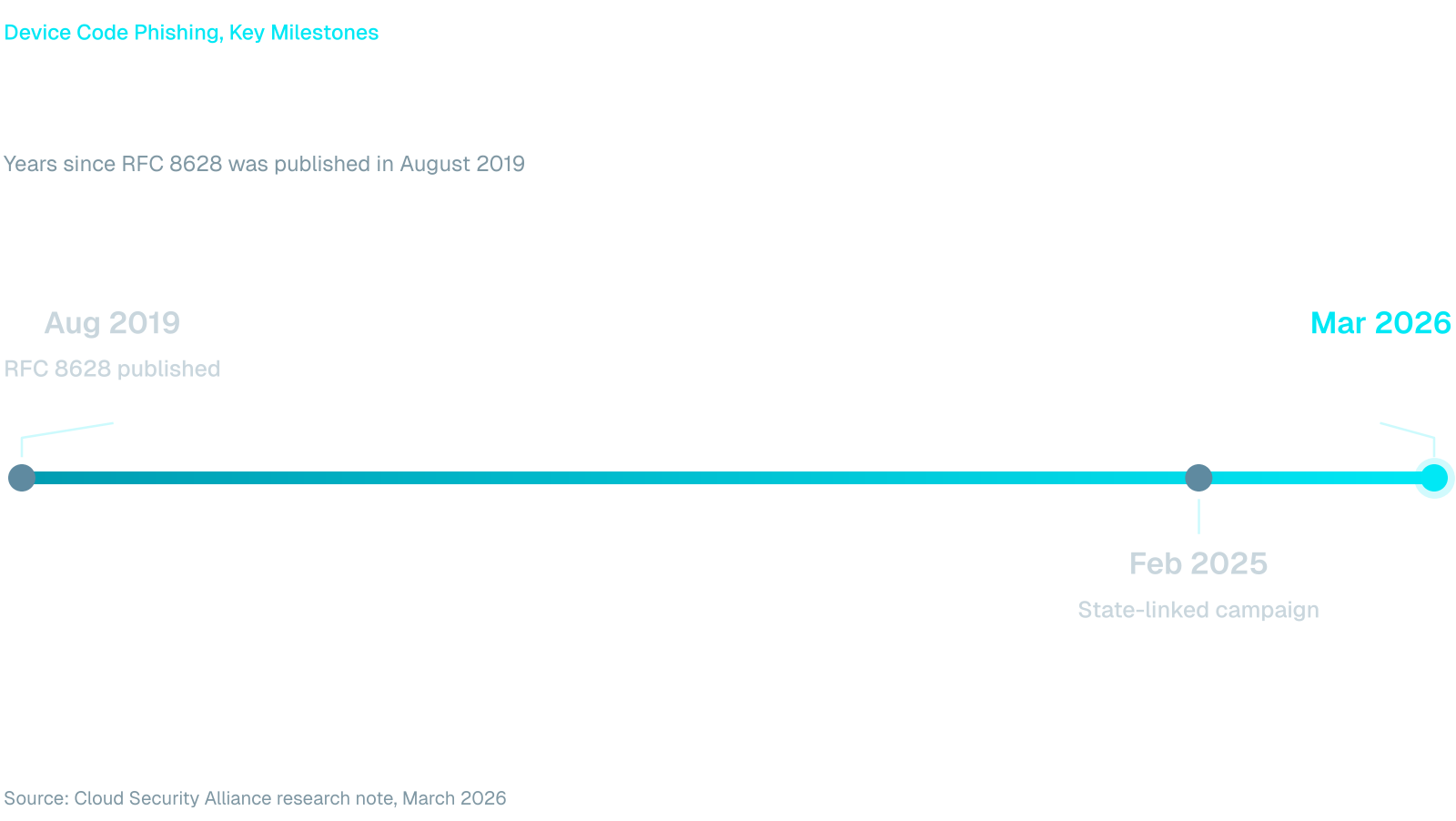
Device codes exist for devices that are awkward to type on. A smart TV or a printer shows a short code, and you enter it on a phone or laptop to approve the sign-in. The standard behind it, RFC 8628, published in August 2019, warns that the flow can be started on a device in an attacker's possession.
OAuth device code phishing turns that design against the user. It runs in four steps:
- The attacker asks Microsoft for a device code, which expires after about 15 minutes.
- A message gives the code to the target with a reason to enter it, such as a shared document, an invoice, a meeting ID or a security check.
- The target opens the real Microsoft device login page, types the code, signs in and approves MFA as usual.
- The attacker's device receives access and refresh tokens and can read mail and files without ever seeing a password.
Email is only one route. CyberScoop reported in February 2025 that a campaign attributed to a suspected Russia-aligned group, aimed at governments and organizations in regions that included the Middle East, built rapport over messaging apps such as Teams, WhatsApp and Signal, then sent fake Teams meeting invitations that presented the code as a meeting ID.
Why Microsoft 365 Device Code Phishing Works
Most awareness advice tells people to check the address bar and distrust unfamiliar login pages. In Microsoft 365 device code phishing the address bar is correct and the page belongs to Microsoft. The employee follows the advice and still hands over access.
The FBI describes a phishing-as-a-service kit that captures access and refresh tokens and gets around MFA without intercepting the user's credentials, because the victim approves the sign-in themselves. In May 2026 Australia's national cyber agency said it had received a number of reports of the same activity against Microsoft 365 users, as Information Age reported.
The scale is already large. A research note from the Cloud Security Alliance reports 340 or more Microsoft 365 organizations in five countries hit by one phishing-as-a-service campaign by mid-March 2026, across construction, manufacturing, financial services, healthcare and local government. That is less than seven years after the device code standard was published.
That scale explains why response matters as much as prevention. The same research note says a password reset alone does not end access, because the stolen refresh token keeps working until sessions are revoked.
What Employees Should Never Enter
Give people a rule short enough to remember at their desk, and put it where they sign in:
- Never enter a code on a Microsoft page that someone else sent you, whatever the message calls it: one-time password, access code, verification token or meeting ID.
- Never approve a sign-in you did not start yourself.
- Treat any request to verify a document, invoice or meeting by typing a code as a lure, even when the page is real.
- Report the message instead of replying, and say whether you already entered a code.
The last line matters most to the SOC. An employee who reports within minutes gives your team time to revoke sessions and review registered devices, mail forwarding rules and OAuth consents, which are the response steps the Cloud Security Alliance note lists.
Device Code Phishing Awareness in Practice
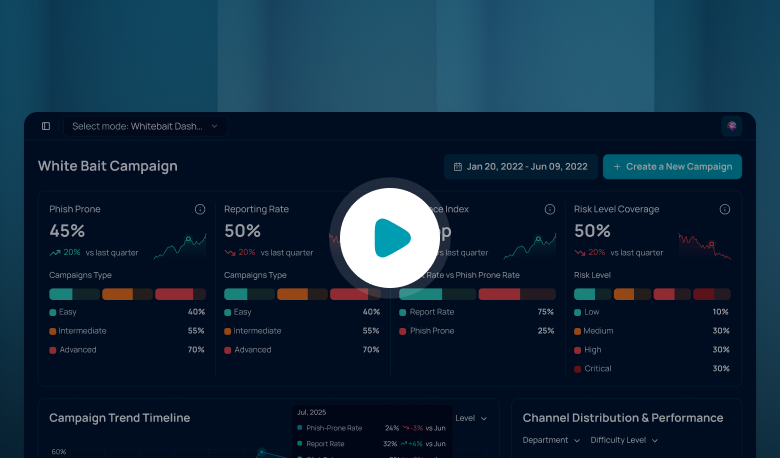
Knowing the rule is different from applying it when a message appears to come from a finance director on the day of a payment run. A phishing simulation that asks employees to type a code or approve a sign-in shows you who stops and who reports. Whitebait runs MFA bypass scenarios in Arabic and English and tracks reporting rate next to click rate, which tells you whether the rule held.
Role matters here. Finance staff, executive assistants and help desk teams handle the documents and meeting invites that lures imitate, so they should see harder and more frequent scenarios. Add short training in Arabic and English through Codex, and give people a one-tap way to report from inside Microsoft Teams with the Fraus Teams App. The chat version of this pattern is covered in Microsoft Teams phishing.
Controls That Back the Rule Up
Awareness works best next to configuration. The FBI recommends a conditional access policy that blocks device code flow for all users, with narrow exceptions for documented business needs, and an audit of current use first so legitimate dependencies are found.
Blocking the flow removes the lure's payoff. Training then covers the cases the policy cannot, such as an exception you had to keep or a different sign-in prompt built on the same trick.
A Practical Next Step
Picture the accounts payable clerk who receives a message asking for a code to open an invoice. This week, ask your identity team whether anyone still uses device code sign-in, and send employees the four-line rule above.
Then schedule a simulation for the roles most exposed and compare reporting rate with click rate after the first round. That gives you a number to take to the next security review.
Frequently Asked Questions
What is device code phishing?
It is an attack that abuses the device sign-in feature. The attacker starts a sign-in on their own device, then convinces a victim to enter the matching code on the real Microsoft page. The victim's approval gives the attacker tokens for the account, with no fake website involved.
Does MFA stop device code phishing?
Not on its own. The victim completes MFA while approving the attacker's request, so the prompt is genuine. The FBI notes the kit it describes gets around MFA without intercepting the user's credentials. Blocking device code flow with a conditional access policy removes the payoff for most users.
Is device code phishing a Microsoft vulnerability?
No. The Australian Signals Directorate said it is not a technical flaw in Microsoft systems, as Information Age reported. Attackers abuse the legitimate Microsoft login page. The feature works as designed, which is why user behavior and policy controls both matter.
What should an employee do after entering a code?
Report it to the security team immediately and do not wait to see whether anything happens. The SOC can revoke the account's sessions, check for new registered devices and mail forwarding rules, and review OAuth consents. A password change alone will not remove the attacker.
.png)

.png)
.png)